What does "must-have" actually mean for a freelancer?
The phrase must-have gets used loosely. For a freelancer it should mean something specific. It should mean the app earns its place every week, not just once during onboarding. It should mean that removing it would make your work measurably harder, not just slightly different. By that bar, most apps people add to their stack are not must-haves. They are nice-to-haves that quietly add maintenance.
The list below is built around that stricter definition. Each tool covers a category that almost every freelancer hits eventually: planning, capture, notes, design, communication, async updates, scheduling, writing, issue tracking, and contracts. You will not need every category from day one, but most established freelancers cover most of them.
Which 10 apps actually belong in a freelancer stack?
-
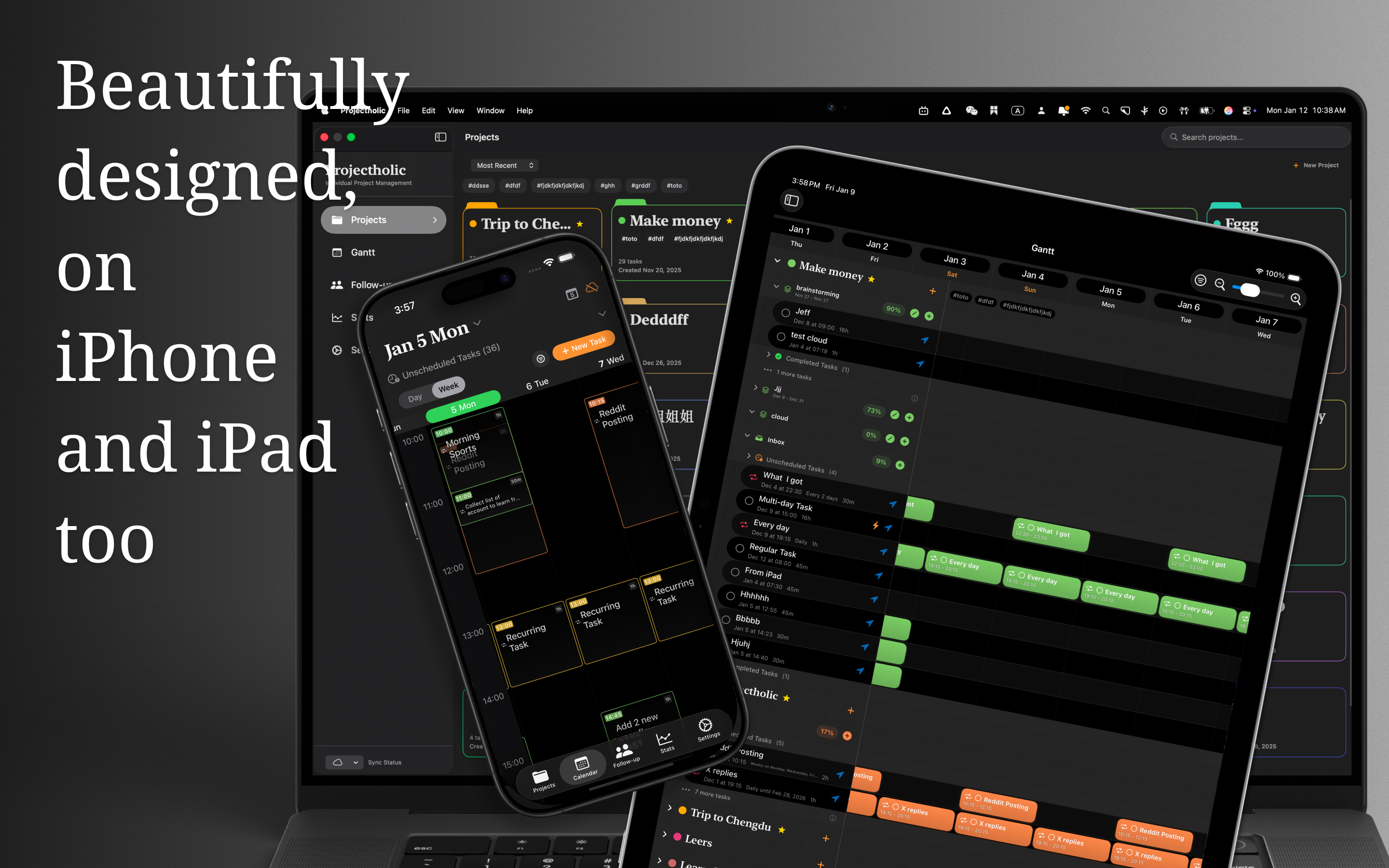
Projectholic
For planning actual project work, I like systems that make time visible and keep projects grounded in capacity. Projectholic is especially good if you work on Apple devices and want a calmer way to shape projects, schedule tasks, and follow progress without building a giant management stack.
-
Todoist
Still one of the cleanest task managers for personal capture and recurring chores. If your problem is remembering everything, Todoist is a low-friction place to start.
-
Notion
Useful for client portals, briefs, notes, and lightweight documentation. It can become too flexible, but for shared context it remains hard to beat.
-
Figma
If your work touches design, wireframes, or collaborative feedback, Figma keeps discussions closer to the work itself.
-
Slack
Not always peaceful, but still practical when clients or collaborators need fast back-and-forth. The key is to avoid letting it become your planning system.
-
Loom
One of the easiest ways to reduce meeting load. Short walkthroughs save time and communicate tone better than long messages.
-
Cal.com
A good scheduling page removes the email loop around booking calls. It is especially useful once you work across time zones.
-
Grammarly
Helpful if your day involves proposals, client emails, or public writing. It saves revision time without requiring much setup.
-
Linear
Excellent if your work is engineering-heavy and you need fast issue tracking. Linear is opinionated in the right ways and keeps momentum high.
-
DocuSeal
Useful for agreements and signatures without overcomplicating the process. Anything that shortens the path from proposal to kickoff is worth attention.
How do you introduce a new tool without breaking your stack?
Adding a tool is the easy part. Integrating it without disrupting everything else is the harder part. The mistake most freelancers make is bolting a new app on top of their existing workflow without removing or merging anything. After three months, you have eight apps, three overlapping zones, and no idea where information actually lives.
A safer pattern is one in, one rethink. Before adding a new tool, decide which existing tool it replaces or which zone it makes obsolete. If a new project tool covers what your task manager was doing for client work, move client tasks fully into it instead of running both in parallel. Half-migrations are how stacks become messy. For the planning side specifically, see the freelancer tool project planning guide.
What should you skip even if everyone recommends it?
Not every popular tool deserves a place in a freelancer stack. Heavy enterprise project management suites are usually overkill for one person. Tools that depend on a large team to work properly tend to feel hollow when used solo. Apps that require weekly maintenance to stay useful become abandoned within two months on a busy week.
Resist tools that promise to replace four others. They sound efficient and almost always create new failure modes. Specialized tools that do one thing well are usually a better long-term bet than a single mega-tool that does everything adequately.
What would a simple combined stack look like?
A simple stack could be Todoist for personal capture, Notion for shared information, Loom for async updates, Cal.com for scheduling, and Projectholic for planning the work itself. That covers most freelancer needs without becoming bloated.
If your work is design heavy, add Figma. If it is engineering heavy, add Linear. If contracts are part of every project, add DocuSeal. The base stack stays the same. The optional layers depend on what you actually do. If you are juggling several clients on top of this, see how to manage multiple client projects without dropping deadlines.
What is the honest test for keeping any app in your stack?
The question to ask before adding any tool is simple. Will I still be opening this app in three months on a stressful week. If the answer is yes, it belongs in your stack. If the answer is unclear, it probably does not. The best freelancer stacks are not impressive. They are the ones that survive ordinary weeks without needing to be redesigned.