Why does the planning layer fail in most freelancer stacks?
Freelancers often stitch together chat, cloud storage, invoices, and notes, then manage the actual work with memory and urgency. That works until multiple clients overlap. Then every incoming request feels equally important, and the week loses structure.
A strong freelancer tool stack needs one place where projects are broken into milestones, tasks are scheduled against available time, and progress is visible. Without that layer, the rest of the stack only documents the chaos.
What should a freelancer's core tool stack handle?
- Client communication and approvals
- File delivery and version history
- Invoices and payments
- Project planning and schedule management
- Review of workload across active clients
Why does Projectholic belong in that stack?
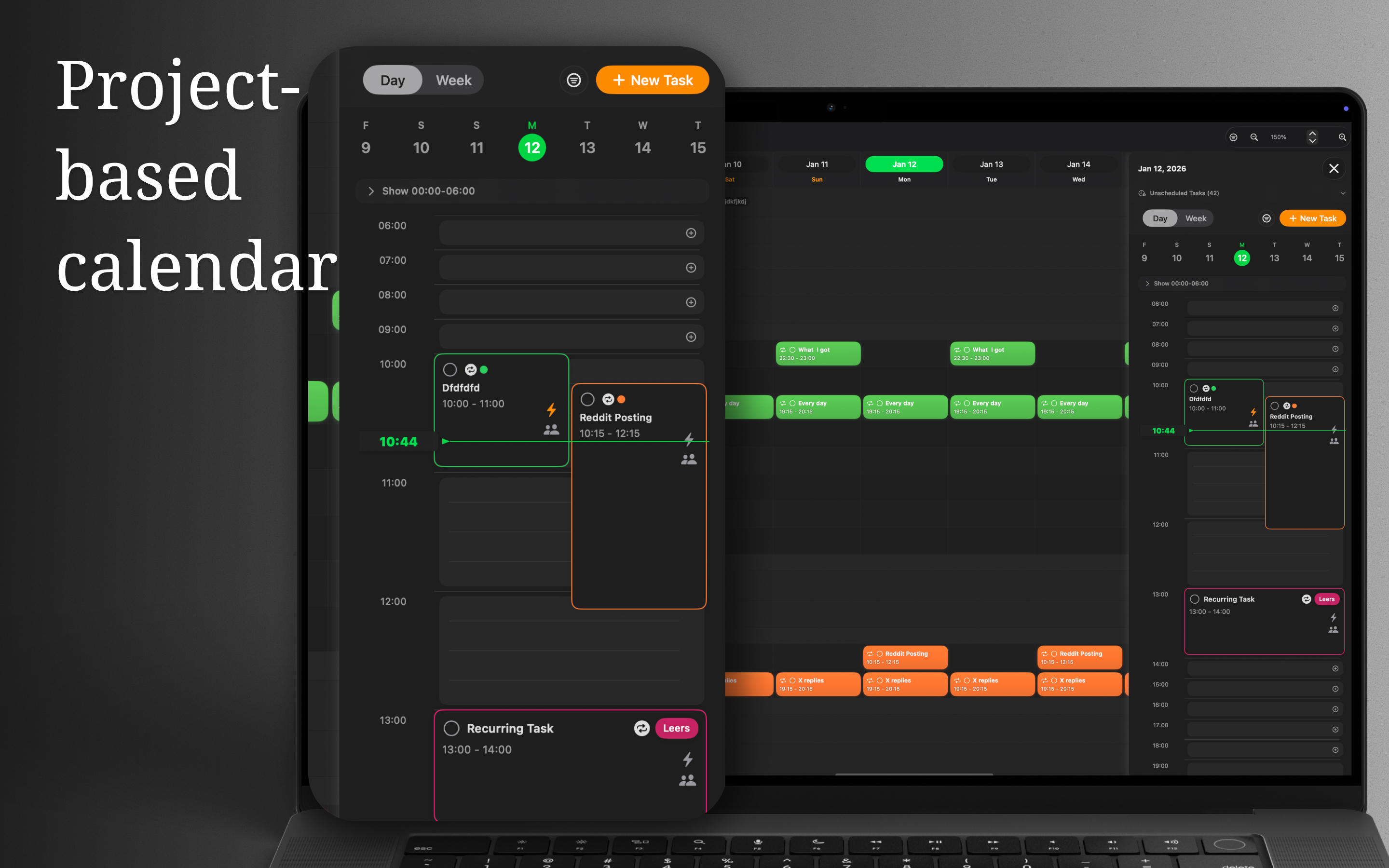
Projectholic is useful as the planning layer. It helps you turn each engagement into a project, define the work, estimate time, and schedule tasks around your actual week. That is different from a general to-do list. A to-do list records obligations. A planning app helps you decide what can realistically ship.
For freelancers, that distinction matters. Your workload is not just client work. It also includes proposals, bookkeeping, revisions, follow-ups, and personal admin. Projectholic helps put all of that into one capacity-aware system instead of letting the loudest message decide the day.
What does a practical weekly rhythm look like?
One simple workflow works well for most freelancers:
- Review every active client project on Monday.
- Break the next deliverable into small scheduled tasks.
- Reserve time for admin and communication so those hours stop stealing from project work invisibly.
- Check progress midweek and move anything blocked by feedback.
- Close the week by updating next milestones instead of starting from scratch on Monday.
Where does this overlap with gantt-style planning?
If you searched for a freelancer tool but also care about timeline planning, the overlap is real. Many freelancers do not need a formal enterprise gantt app. They need gantt-style clarity: what is next, what depends on what, and whether the current week is already over capacity. For the timeline-first version of this same idea, see how to build a practical project gantt. Projectholic addresses that need through project structure and realistic scheduling rather than by forcing every user into a heavy charting workflow.